
Referral Program
When our services are recommended, we always see it as a valuable sign of trust. We want to respond in a way that benefits the customers who actively recommend us. Referral Program The Referral Program is available to everyone
Artificial intelligence has made maintaining an HTML website easy and effortless, even without any special coding skills. In the past, maintaining a standard HTML website was quite labor-intensive, which is why most websites were built using website builders or platforms like WordPress. However, artificial intelligence has now changed this landscape, and it’s now possible to create a fast, secure, and effortless HTML website using AI—and it’s also easy to maintain.
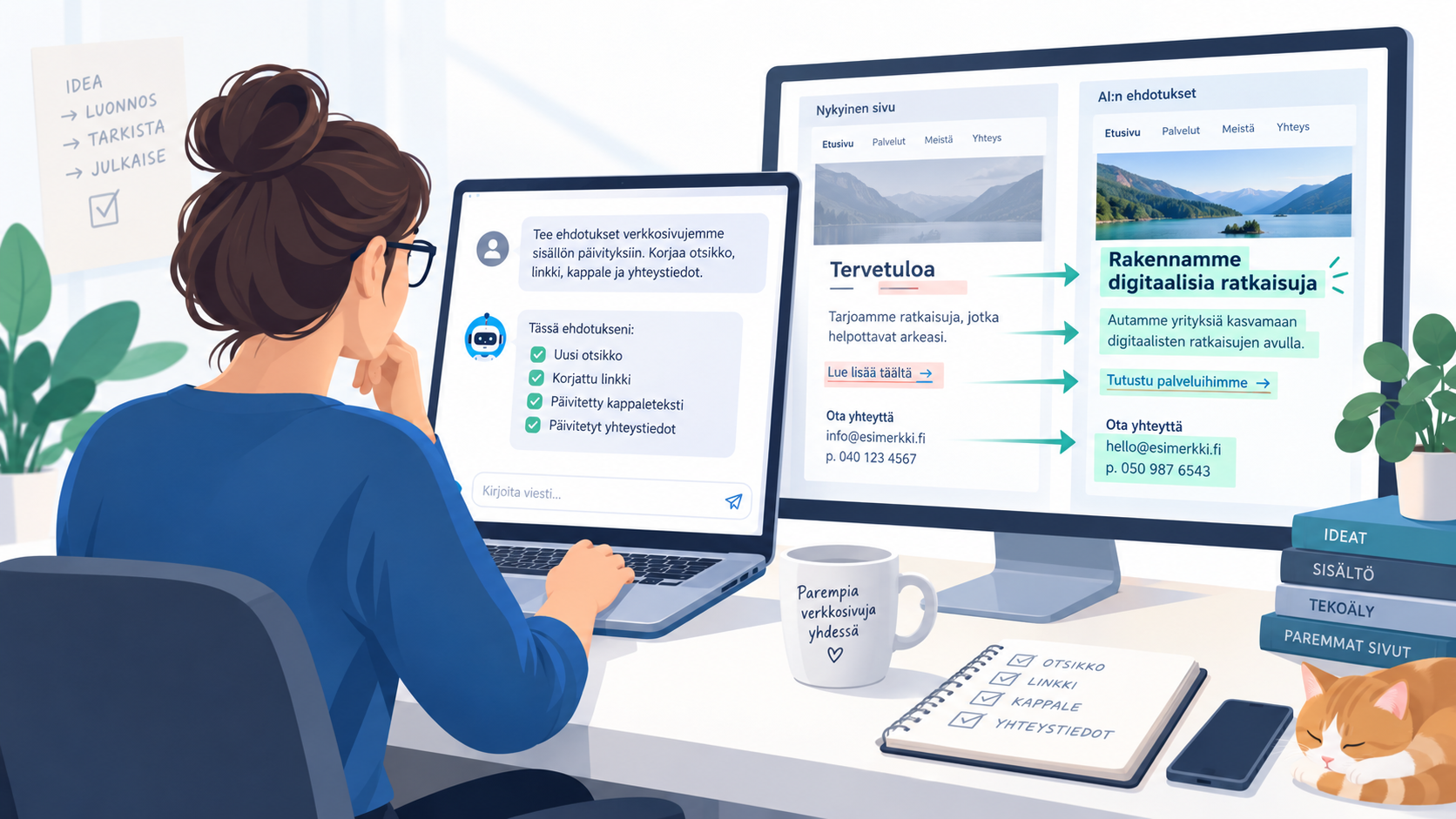
In this blog post, we’ll briefly go over how to effortlessly maintain an existing HTML website on a web hosting service by leveraging artificial intelligence. The best way to do this is with an AI service that provides access to a workspace, such as ChatGPT Work / Codex, Claude Cowork / Claude Code, or Grok Build / Grok Bot.
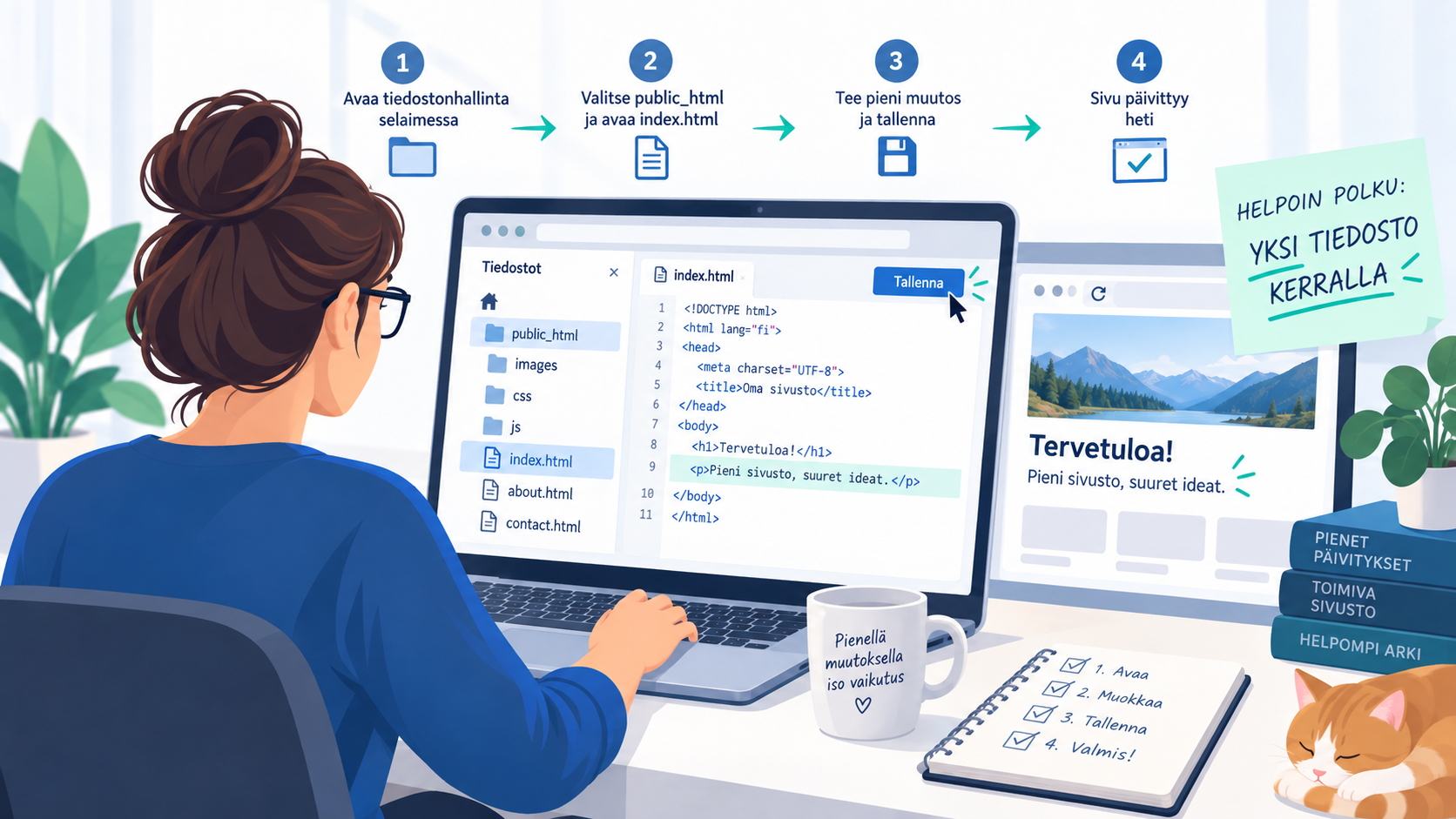
The easiest way to use AI when editing pages is to work on one file at a time. You can open a file (e.g., index.html) for editing using the file manager in the control panel. Then, use the copy-and-paste command to copy the website’s source code into, for example, the ChatGPT chat window. Next, tell ChatGPT what changes you want, and it will make the changes for you. Finally, simply use the “copy and paste” command to paste the changes into the file in the file manager’s edit mode and save the changes.
This option is suitable for experimenting with AI-powered editing and can be done using free AI tools via a web browser, without the need for software or a paid AI subscription. However, for more extensive changes, this is a clunky method, and we recommend using a paid AI service to get the most out of it.
For greater efficiency, it is best to download the HTML page to your computer and/or edit the content directly on your computer or directly on the server using an AI application.
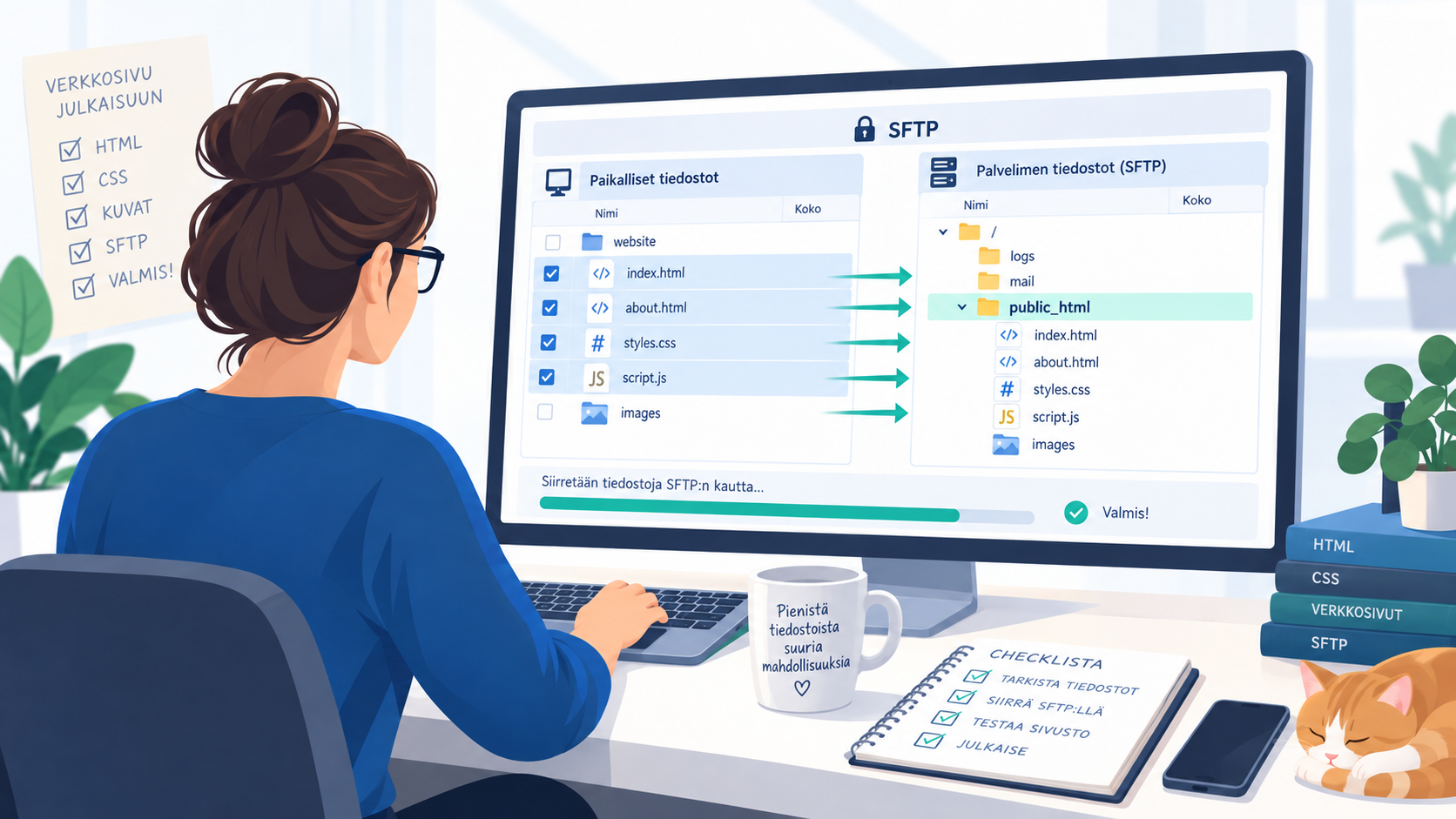
One option is to download the contents of the public_html directory to your computer—for example, via an SFTP connection—make changes using AI (by adding the directory as a project in ChatGPT Works, for example), and then upload the page back to the service after making the changes. AI can also help you establish an SFTP connection and upload files to your computer and back to the server.
Another option is to use Git version control. For example, you can create a project on GitHub or Origin, upload your files there, make updates directly to the repository using artificial intelligence, and then push the changes to the server using the service's Git version control.
A third option is to create an SSH key from the control panel and connect directly to the service using AI. The AI can make changes directly via the SSH connection, or it can use the methods mentioned above to upload files or manage versions.

You can ask the AI directly—or even through our chat service—about how to put the points mentioned above into practice. Here are a few tips to keep in mind, though:
Make backups before using artificial intelligence. Although artificial intelligence systems are generally good at processing data, it is recommended that you make a complete backup before using them.
Be precise and keep changes small when using AI. It’s important to try to specify the desired change as precisely as possible so that the AI can make the change in the right place. It’s also a good idea to make only one change at a time, check the change, and then move on to the next one. Instructions that are unclear or contain multiple changes can lead to the AI not knowing which changes are actually intended or where they should be applied.
A paid AI service is better than a free one. Although most AI tools can be used for free, free AI often doesn’t offer the best model and doesn’t include all the tools needed to use AI effectively. However, even the most affordable package usually includes all the tools needed for effective use.
When our services are recommended, we always see it as a valuable sign of trust. We want to respond in a way that benefits the customers who actively recommend us. Referral Program The Referral Program is available to everyone
Vibe coding? Vibe coding is a way of programming by telling the AI what you want in natural language, rather than writing the code line by line yourself. In practice, the developer describes the desired outcome, and the AI generates
It's worth starting a new business online right away! The goal is to have a website or Shop that connects with customers and generates sales for your business. The Nerot.fi service will help you find the author for your website, online shop or
Do you manage several website projects or are you planning to start your own Web hosting as a reseller? The Suncomet WHM package is a service specifically designed for web designers, website builders and small businesses. It allows you to
What is SPF? SPF (Sender Policy Framework) is a security technology used by email systems. It is particularly effective in preventing spam and phishing messages where the sender is spoofed. SPF
What's a domain? A domain, or domain, is a name that is used, for example, in a browser or e-mail to connect a user to a server. Domain acts as a more memorable address and background for the user